
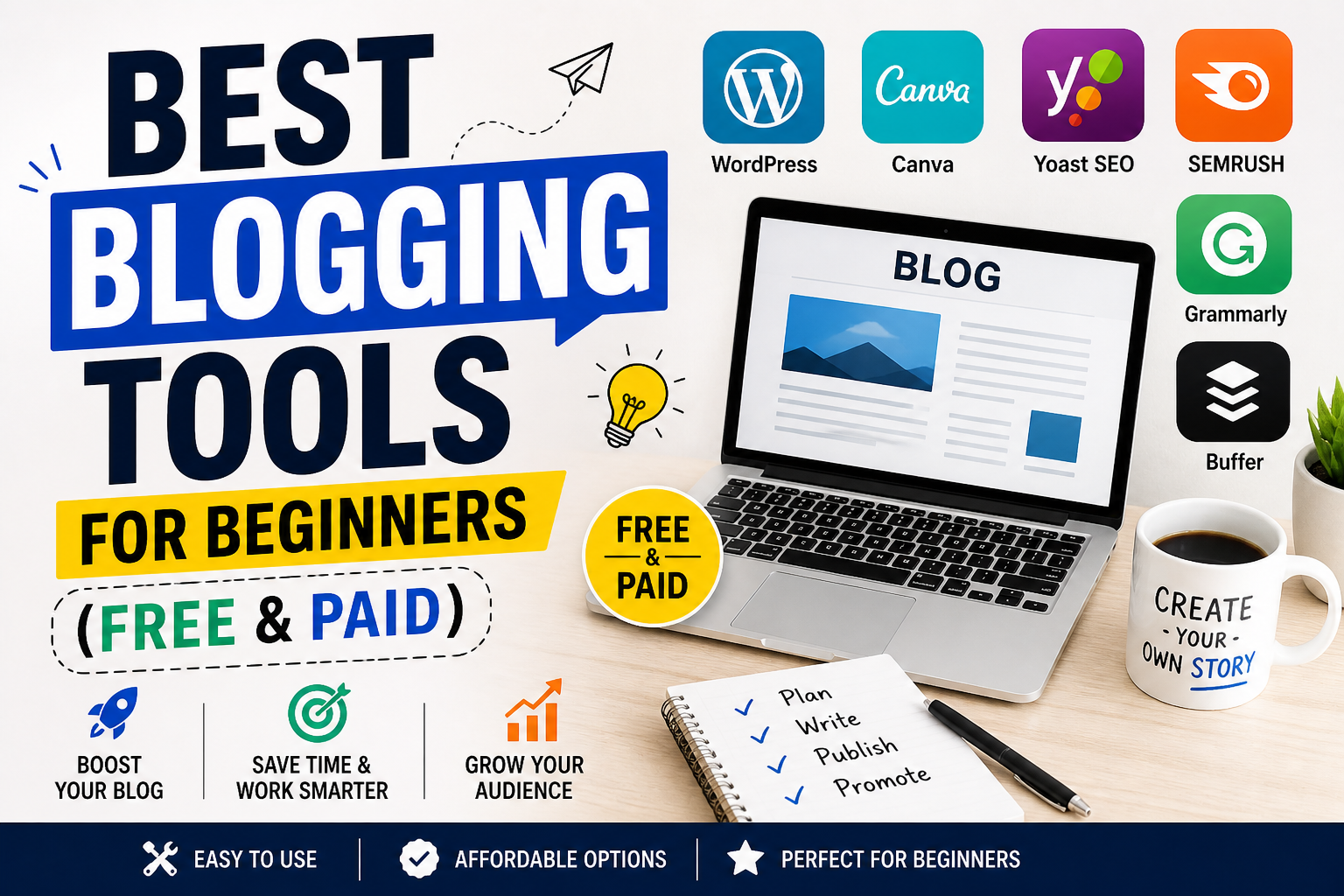

So you want to start a blog. Great idea! Blogging in 2026 is bigger than ever. But here’s the truth: good blogs don’t happen by accident. They need the right tools.
When you’re a beginner, you don’t have a big budget. You need tools that are easy to use, affordable (or free), and actually helpful. The good news? There are amazing free and paid blogging tools that can make you look like a pro from day one.
In this guide, I’ll show you the top 10 best blogging tools for beginners in 2026. We’ll cover writing, SEO, graphics, email marketing, and analytics. No confusing tech talk. Just simple tools that work.
Search Query: “Best free blogging tools for beginners 2026”
Why Beginners Need Blogging Tools
Let’s be honest: writing a blog post is just 50% of the job. You also need to:
- Create eye-catching images
- Make sure people find your blog on Google
- Build an email list
- Track how many people visit
Doing all this manually is impossible. That’s why blogging tools save you hours every week. They automate the boring stuff so you can focus on writing great content.
The best part? Many of these tools have free plans that are perfect for beginners.
Top 10 Best Blogging Tools for Beginners (Free & Paid)
| # | Tool Name | Best For | Free Plan | Paid Starts At |
|---|---|---|---|---|
| 1 | WordPress | Blogging platform | ✅ Yes | $4/month |
| 2 | Grammarly | Writing & grammar | ✅ Yes | $12/month |
| 3 | Canva | Graphics & images | ✅ Yes | $12.99/month |
| 4 | Yoast SEO | Search optimization | ✅ Yes | $99/year |
| 5 | Mailchimp | Email marketing | ✅ Yes | $13/month |
| 6 | Google Analytics | Traffic tracking | ✅ Yes | Free |
| 7 | AnswerThePublic | Keyword ideas | ✅ Yes (limited) | $99/month |
| 8 | Hemingway Editor | Readability | ✅ Yes (web) | $19.99 (desktop) |
| 9 | Buffer | Social media scheduling | ✅ Yes | $6/month |
| 10 | Surfer SEO | Content optimization | ❌ No | $89/month |
Also read: Black Box AI: What It Is, How It Works & Benefits
Detailed Reviews of Top 10 Blogging Tools
1. WordPress – The #1 Blogging Platform
WordPress powers over 40% of all websites on the internet. That’s not a coincidence. It’s free, flexible, and beginner-friendly.
You can start with edtechbuzzz.com/ (free) or WordPress.org (self-hosted, more control). For serious bloggers, self-hosted WordPress is the way to go.
- Best for: Building your blog from scratch
- Free features: Basic themes, blog posts, comments
- Paid features: Custom domain, plugins, advanced design
- Verdict: Must-have for every blogger
Search Query: “WordPress vs Blogger which is better for beginners”
2. Grammarly – Your Personal Writing Assistant
Let’s face it—spelling and grammar mistakes make you look unprofessional. Grammarly catches errors as you type. It also suggests better word choices and adjusts your tone.
The free version fixes basic mistakes. The paid version checks for plagiarism and suggests vocabulary improvements.
- Best for: Error-free, professional writing
- Free features: Spelling, grammar, punctuation
- Paid features: Tone detection, plagiarism checker, word suggestions
- Verdict: Essential for non-native English writers
3. Canva – Design Stunning Graphics in Minutes
You don’t need Photoshop. Canva lets anyone create beautiful blog graphics, Pinterest pins, and social media images using drag-and-drop.
They have thousands of free templates. Just pick one, change the text, and download.
- Best for: Blog banners, Pinterest images, infographics
- Free features: 250,000+ templates, basic editing
- Paid features: Brand kit, background remover, 100M+ stock photos
- Verdict: Best free design tool for bloggers
4. Yoast SEO – Help Google Find Your Blog
Writing a great post is useless if nobody reads it. Yoast SEO is a WordPress plugin that guides you step-by-step to optimize your post for Google.
It checks your keywords, readability, meta descriptions, and internal links. The free version is powerful enough for most beginners.
- Best for: On-page SEO optimization
- Free features: Keyword optimization, readability check, XML sitemaps
- Paid features: Multiple keywords, internal linking suggestions, redirect manager
- Verdict: Must-have WordPress plugin
5. Mailchimp – Build Your Email List
Your blog visitors may not return. But if you get their email address, you can send them new posts forever. That’s email marketing.
Mailchimp is beginner-friendly. The free plan lets you have up to 500 subscribers and send 1,000 emails per month.
- Best for: Growing and managing an email list
- Free features: 500 subscribers, 1,000 emails/month, signup forms
- Paid features: Automation, segmentation, A/B testing
- Verdict: Best free email tool for new bloggers
6. Google Analytics – Know Your Audience
You need to know: how many people visit? Where do they come from? Which posts are most popular?
Google Analytics gives you all this data for free. It’s the industry standard. Set it up once, and you’ll see your traffic grow over time.
- Best for: Tracking blog traffic and user behavior
- Free features: Real-time data, audience reports, traffic sources
- Paid features: Google Analytics 360 (for large businesses)
- Verdict: Non-negotiable for serious bloggers
7. AnswerThePublic – Find What People Are Searching
Stuck for blog post ideas? AnswerThePublic shows you exactly what questions people ask on Google. Just type a keyword (like “vegan recipes”), and it generates dozens of question-based ideas.
The free plan gives you a few searches per day. That’s plenty for beginners.
- Best for: Generating blog post topics and keywords
- Free features: Limited searches per day, visual data
- Paid features: Unlimited searches, CSV exports, historical data
- Verdict: Best free keyword idea tool
8. Hemingway Editor – Make Your Writing Clear
Hemingway Editor highlights complex sentences, passive voice, and hard-to-read paragraphs. The goal? Make your writing bold and clear—just like Ernest Hemingway.
Use the free web version to paste your draft. It will give you a readability grade. Aim for Grade 6 or lower.
- Best for: Simplifying complex writing
- Free features: Web-based editor, readability score, highlights
- Paid features: Desktop app, offline mode, direct publishing
- Verdict: Great free tool for improving readability
9. Buffer – Schedule Social Media Posts
Writing a blog post is hard work. Don’t let it disappear after one day. Buffer lets you schedule posts to Facebook, Twitter, LinkedIn, and Instagram.
The free plan allows up to 3 social accounts and 10 scheduled posts per account. Perfect for beginners.
- Best for: Automating social media promotion
- Free features: 3 accounts, 10 scheduled posts per account
- Paid features: More accounts, analytics, team collaboration
- Verdict: Best free scheduler for new bloggers
10. Surfer SEO – Data-Driven Content Optimization
This is the only paid-only tool on our list, but it’s worth mentioning. Surfer SEO analyzes the top-ranking pages on Google and tells you exactly what to include: word count, headings, images, and keywords.
It’s more advanced, but if you’re serious about ranking #1, it’s a game-changer.
- Best for: Advanced on-page SEO
- Free features: None
- Paid features: Content editor, audit tool, keyword research
- Verdict: Best premium tool for competitive keywords
Search Query: “Surfer SEO vs Frase io for bloggers”
Free vs Paid: Which One Should You Choose?
Here’s a simple rule:
- Start 100% free. Use WordPress (free), Grammarly (free), Canva (free), Yoast (free), Mailchimp (free up to 500 subscribers), Google Analytics (free), and Hemingway (free web).
- Upgrade only when you need more. If you reach 500 email subscribers, upgrade Mailchimp. If you want to rank for competitive keywords, consider Surfer SEO.
Don’t buy expensive tools until you’re consistently publishing and getting traffic. Many successful bloggers made money with free tools for their first year.
Blogging Tools Checklist for Beginners
Here’s your startup checklist:
✅ Platform: WordPress.org (self-hosted)
✅ Hosting: Bluehost or SiteGround (starts at $3-5/month)
✅ Writing: Grammarly free + Hemingway web
✅ Images: Canva free
✅ SEO: Yoast SEO free
✅ Email: Mailchimp free (up to 500 subscribers)
✅ Analytics: Google Analytics free
✅ Social media: Buffer free
Total monthly cost for first 6 months: $3-5 (just hosting).
FAQs (People Also Ask)
Q: What is the best free blogging platform for beginners?
A: edtechbuzzz.com/ is easiest. But for long-term growth, self-hosted WordPress.org is better (requires hosting, ~$3/month).
Q: Do I need SEO tools as a beginner?
A: Yes, but start with Yoast SEO free. It teaches you good habits. Upgrade to Surfer SEO after 6 months.
Q: Can I start a blog with zero money?
A: Yes. Use edtechbuzzz.com/ (free subdomain like yourblog.wordpress.com), Canva free, and Grammarly free. Upgrade later.
Q: Which tool is best for blog graphics?
A: Canva by far. No design skills needed.
Q: How do I get people to read my blog?
A: Use Yoast SEO for Google traffic and Buffer to share on social media. Build an email list with Mailchimp so readers come back.
Conclusion
Starting a blog in 2026 is easier than ever. The top 10 blogging tools listed above will help you write better, design faster, rank higher on Google, and grow an audience.
Remember: tools don’t write for you. They just make the process smoother. The real magic is your unique voice and consistent effort.
Pick one tool from this list today. Canva for a better featured image. Or Grammarly to fix that old post. Small steps lead to big results.
Which tool will you try first? Let me know in the comments below.
This article contains affiliate links. If you purchase through these links, we may earn a small commission at no extra cost to you.