
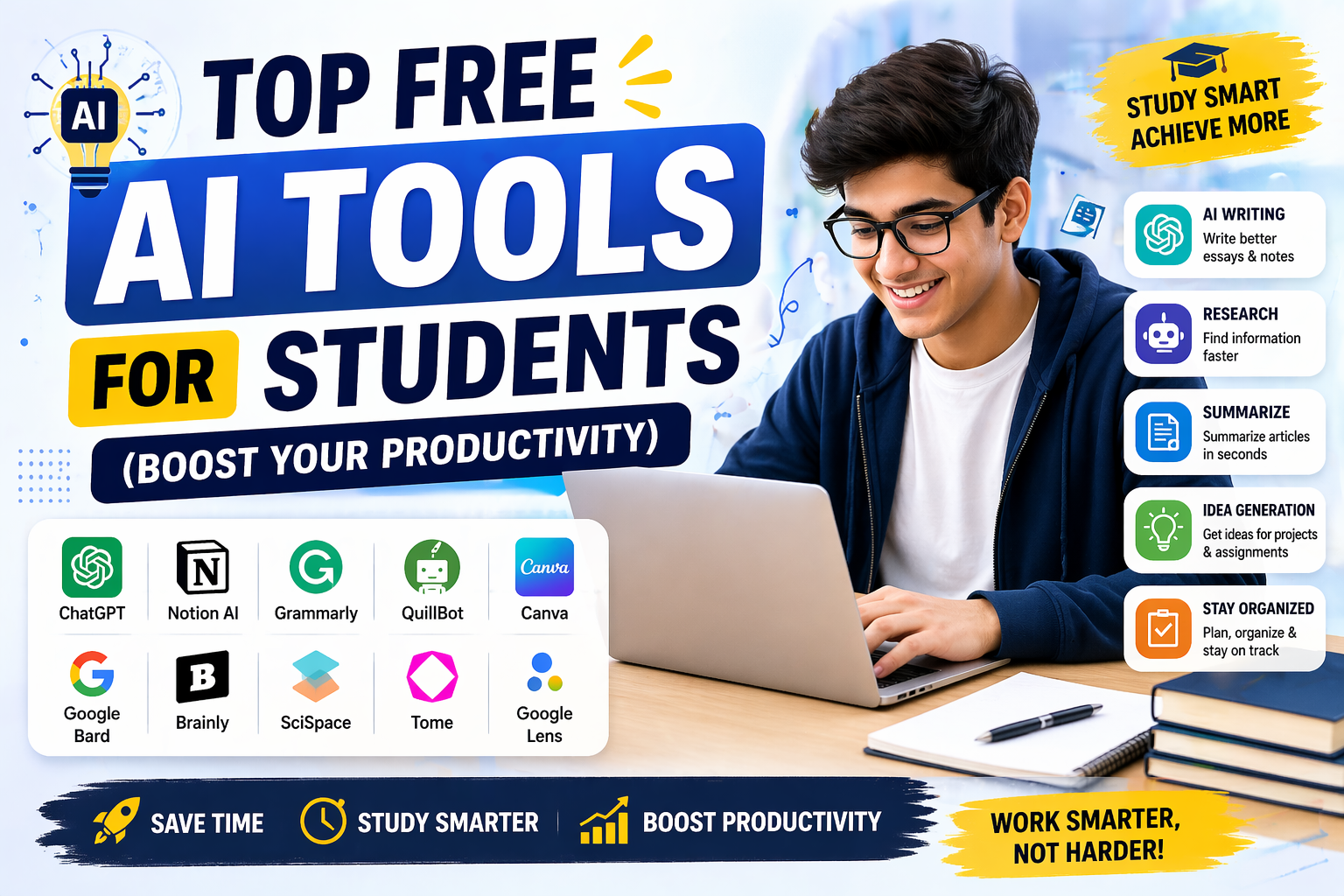

Studying in 2026 looks nothing like it did even three years ago. Assignments are longer, research expectations are higher, and deadlines never seem to move – yet students today have something previous generations didn’t: a full toolkit of AI tools for students that can genuinely lighten the load.
The challenge isn’t finding an AI tool anymore. The challenge is figuring out which one actually deserves your time. This guide breaks down the best AI tools for students by what they’re actually good at, so you can build a personal AI stack instead of randomly bouncing between apps.
Why Every Student Needs an AI Toolkit in 2026
AI for students isn’t a shortcut for skipping the work – it’s a way of removing the friction around the work. Used well, AI helps you:
- Understand difficult concepts faster, in language that actually makes sense to you
- Turn messy notes and long PDFs into clear, usable study material
- Catch grammar, tone, and clarity issues before a professor does
- Organize your workload so nothing falls through the cracks
- Prepare for exams with quizzes and flashcards generated in seconds
The trick is matching the right tool to the right task. A single all-purpose chatbot can’t do everything as well as a specialist tool built for one job. That’s why the list below is organized by use case, not just popularity.
New to AI tools altogether? Start with our beginner-friendly primer, Discover AI Tools 2026: The Complete Guide to Finding & Using the Best AI Tools, before diving into the specific picks below.
The 10 Best AI Tools for Students (By Use Case)
1. ChatGPT – Best Overall AI for Students
Best for: Explaining concepts, drafting essays, solving problems, and general-purpose help.
If you only install one app, this is the one most students reach for first. It works like a patient tutor that’s available at 2 a.m. before an exam.
- Breaks down complex topics into simple, step-by-step explanations
- Helps draft essays, emails, and cover letters
- Solves math, coding, and logic problems with worked-through reasoning
- Summarizes long readings and articles
- Builds outlines for presentations and reports
Good to know: Free tiers typically cap how many messages you get with the most advanced model before switching to a lighter version, so save your best prompts for when you really need depth.
Related: How to Use ChatGPT to Write a Resume
2. Google Gemini – Best AI Tool for Students in the Google Ecosystem
Best for: Students who live inside Google Docs, Sheets, Slides, and Gmail.
Gemini’s biggest advantage is that it’s built directly into tools you’re probably already using for coursework.
- Summarizes long readings or research papers instantly
- Drafts and edits content directly inside Google Docs
- Fact-checks claims and cross-references sources
- Generates slide content and outlines inside Google Slides
If your entire academic life runs through a Google account, this is one of the most convenient ai apps for students you can add.
3. Claude – Best for Long Documents, Research, and Coding
Best for: Uploading long PDFs, deep document analysis, and coding help.
Claude stands out for handling large volumes of text without losing the thread – useful when you’re working with dense textbooks, long research papers, or full lecture transcripts in one go.
- Reads and analyzes lengthy PDFs and multi-chapter documents
- Helps write and debug code with clear explanations
- Produces long-form writing that stays consistent in tone and structure
- Generates diagrams, structured documents, and study material in a separate workspace
Related: What Is Claude AI? A Complete Guide to Anthropic’s AI Models
4. NotebookLM – Best Research Assistant for Students
Best for: Turning your own course material into a private study assistant.
This is one of the more underrated best ai tools for students because it doesn’t answer from the open internet – it only answers from what you upload.
- Upload PDFs, slides, lecture transcripts, or Google Docs as sources
- Ask questions and get answers grounded only in your material
- Generate audio-style summaries you can listen to on the go
- Build structured study guides from scattered notes
Because it won’t “make things up” from outside sources, it’s a safer option for exam prep than a general chatbot.
5. Perplexity AI – Best for Research and Citations
Best for: Finding credible sources fast and building a bibliography.
Perplexity blends a search engine with a chatbot, and every answer comes with clickable citations – a huge time-saver for research-heavy assignments.
- Provides direct, sourced answers instead of a list of links to sift through
- Great for comparing theories, products, or competing viewpoints
- Helps verify facts before you cite them in a paper
- Speeds up the early “what do I even search for” stage of research
6. Grammarly – Best Writing Assistant for Students
Best for: Polishing essays, emails, reports, and applications.
Grammarly goes beyond spell-check by explaining why a sentence needs work, which makes it as much a learning tool as a correction tool.
- Fixes grammar, spelling, and punctuation in real time
- Improves tone and clarity for academic vs. professional writing
- Suggests stronger vocabulary and restructures awkward sentences
- Works across browsers, Google Docs, and most writing apps
7. QuillBot – Best for Paraphrasing and Summarizing
Best for: Rewriting dense material in your own words and avoiding accidental plagiarism.
- Rewrites sentences and paragraphs in multiple tones
- Summarizes lengthy articles or research papers into key points
- Assists with citation formatting
- Useful for turning source material into original phrasing before you cite it
8. Notion AI – Best for Organization and Note-Taking
Best for: Students juggling multiple subjects, deadlines, and group projects.
- Summarizes lengthy class notes into digestible chunks
- Automatically builds to-do lists and action items from meeting notes
- Assists with project planning and scheduling around deadlines
- Lets you search your entire workspace with a simple question
9. Quizlet – Best for Memorization and Exam Prep
Best for: Vocabulary, formulas, dates, and anything that needs repetition to stick.
- Generates flashcards and practice quizzes automatically from your notes
- Identifies weak spots and creates focused study sessions around them
- Adaptive learning modes track what you already know
- Best suited to memorization-heavy subjects rather than deep conceptual work
10. Gamma – Best for Presentations
Best for: Turning a rough outline into a polished slide deck in minutes.
- Generates full presentations from a single text prompt
- Produces clean, professional-looking slides without manual design work
- Useful for seminars, project reviews, and class presentations
- Free tiers usually include enough credits for several presentations a month
How to Choose the Best AI Apps for Students for Your Situation
Not every student needs every tool. Here’s a quick way to decide:
| If you need to… | Use this |
| Get quick explanations and general help | ChatGPT |
| Work inside Google Docs/Slides | Gemini |
| Analyze long PDFs or code | Claude |
| Study only from your own material | NotebookLM |
| Research with citations | Perplexity AI |
| Fix grammar and tone | Grammarly |
| Reword content to avoid plagiarism | QuillBot |
| Organize notes and deadlines | Notion AI |
| Memorize facts and formulas | Quizlet |
| Build a presentation fast | Gamma |
Most students end up combining three or four of these rather than relying on just one – a chatbot for explanations, a writing tool for polish, and a research tool for sourcing covers almost every assignment type.
Pricing Breakdown: Free vs. Paid Plans (2026)
Budget matters when you’re a student, so here’s a realistic look at what you get for free versus what pushes you toward a paid tier.
| Tool | Free Plan Limits | Paid Plan | Student Discount Available? |
| ChatGPT | Limited messages on the top model before falling back to a lighter one; image analysis and web browsing included | ~$20/month for higher limits and priority access | Occasional regional promotions |
| Google Gemini | Daily prompt cap; limited Deep Research runs per month | Bundled with Google One AI plans | Sometimes free with .edu-linked Google Workspace |
| Claude | Message caps that reset every few hours; large context window even on free tier | Paid tier raises limits and adds priority access | No standard student discount |
| NotebookLM | Free with generous source upload limits (50+ per notebook) | Plus/Pro tiers raise notebook and source caps | Often free for verified students via institution |
| Perplexity AI | Standard AI models for search; limited “Pro” queries | ~$20/month unlocks advanced reasoning models | Frequent student promotions |
| Grammarly | Core grammar/spelling checks; limited AI rewrite prompts monthly | Premium unlocks tone rewrites, plagiarism, and citation tools | Often bundled free through university writing centers |
| QuillBot | Paraphrasing with a word-chunk limit per attempt | Premium removes limits and unlocks all rewriting modes | Occasional discounts, check before paying |
| Notion AI | Basic AI features included in free workspace plan | Add-on AI credits or bundled in paid workspace plans | Free personal plan for students with .edu email |
| Quizlet | Flashcards, basic study sets, and limited AI-generated content | Plus plan unlocks advanced study modes and offline access | Frequent student pricing |
| Gamma | Limited monthly credits (roughly enough for several decks) | Paid plans add more credits and advanced customization | No fixed discount, but free credits refresh monthly |
Takeaway: You can realistically build a full academic-support stack – writing, research, notes, and presentations – without paying for anything, as long as you’re comfortable working within free-tier limits. Paid plans mostly buy you volume and speed, not fundamentally new capability.
Using AI for Students Responsibly
The best ai for students isn’t the one that does your work for you – it’s the one that helps you understand the work better. Keep a few ground rules in mind:
- Use AI to supplement, not replace, your thinking. Brainstorm and organize with it, but do the reasoning yourself.
- Verify everything. AI models can get facts wrong, especially on niche or recent topics. Cross-check anything you plan to cite.
- Know your institution’s policy. Universities differ widely on what counts as acceptable AI use – some require disclosure, others restrict it entirely.
- Never submit AI-generated text as your own without understanding it. Beyond the ethical issue, it also means you learn nothing from the assignment.
Final Thoughts
The best ai tools for students in 2026 aren’t about chasing the newest release – they’re about building a small, reliable stack that matches how you actually study. Start with one tool that solves your biggest current pain point, whether that’s messy notes, weak writing, or slow research, and add from there. Used thoughtfully, AI won’t replace your learning – it’ll just clear out the busywork standing between you and it.
Frequently Asked Questions
What are the best AI tools for students in 2026?
ChatGPT, Google Gemini, Claude, NotebookLM, Perplexity AI, Grammarly, QuillBot, Notion AI, Quizlet, and Gamma cover the core needs of most students – writing, research, organization, and exam prep.
What is the best AI for students who need help with research papers?
Perplexity AI and NotebookLM are the strongest picks, since both prioritize sourced, citable, or document-grounded answers over generic chatbot responses.
Are these AI apps for students actually free?
Most have functional free tiers, though usage limits vary – expect daily message caps or feature restrictions that ease off once you upgrade to a paid plan.
Is using AI for students considered cheating?
Not inherently. Using AI to brainstorm, organize, proofread, or research is widely accepted as smart studying. It becomes an integrity issue only when AI-generated work is submitted as entirely your own without disclosure, where your institution requires it.
Which AI tool should a first-year student start with?
ChatGPT or Gemini are the easiest entry points because they’re general-purpose and require no setup – you can add specialized tools like NotebookLM or Quizlet once you know your specific study habits.